Everything the Studio can do
A closer look at the tools behind every mockup.

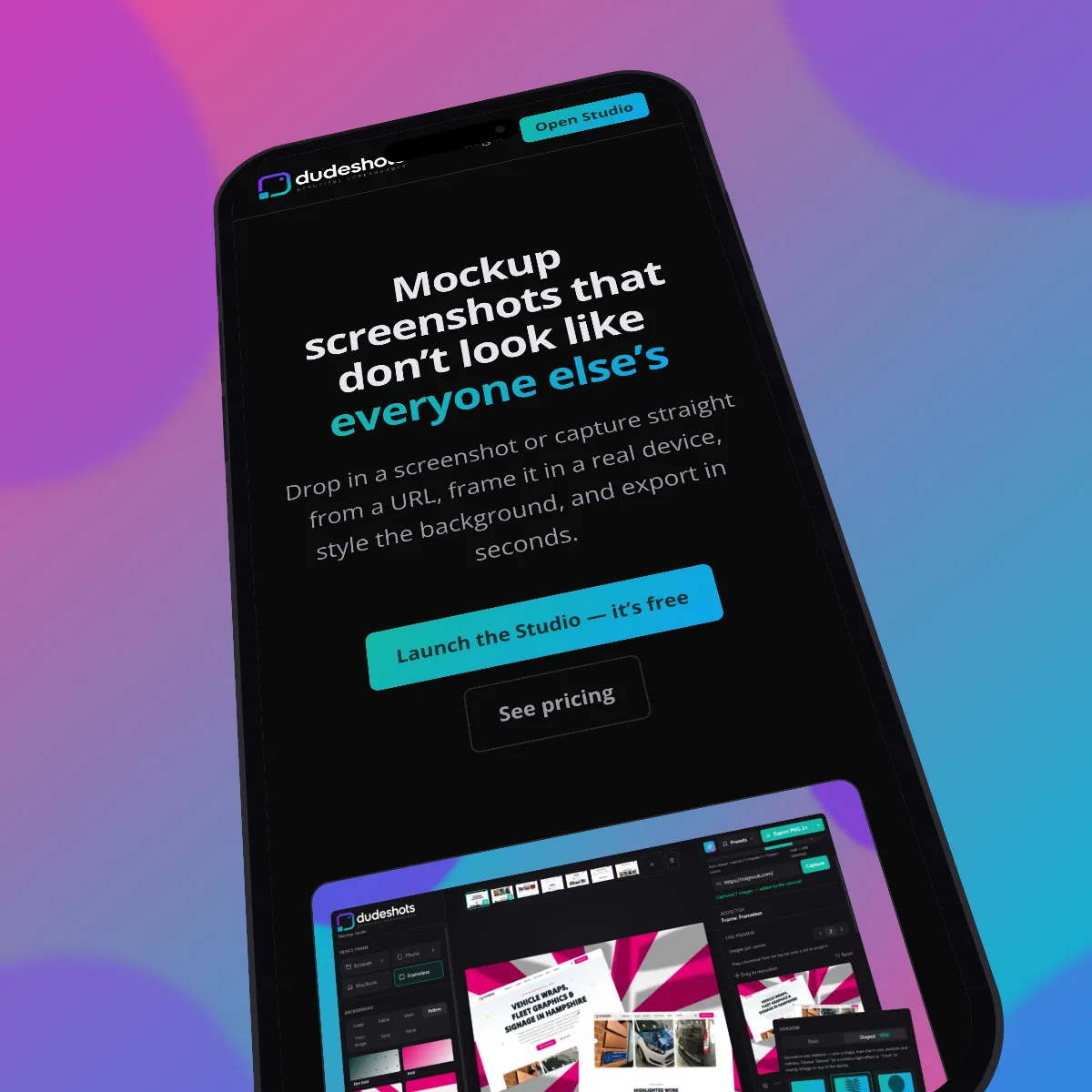
Real device frames
Frame your screenshot in browser chrome, a MacBook, or a real phone model — Safari, Chrome, Firefox, iPhone, and more, each with an accurate bezel and aspect ratio.
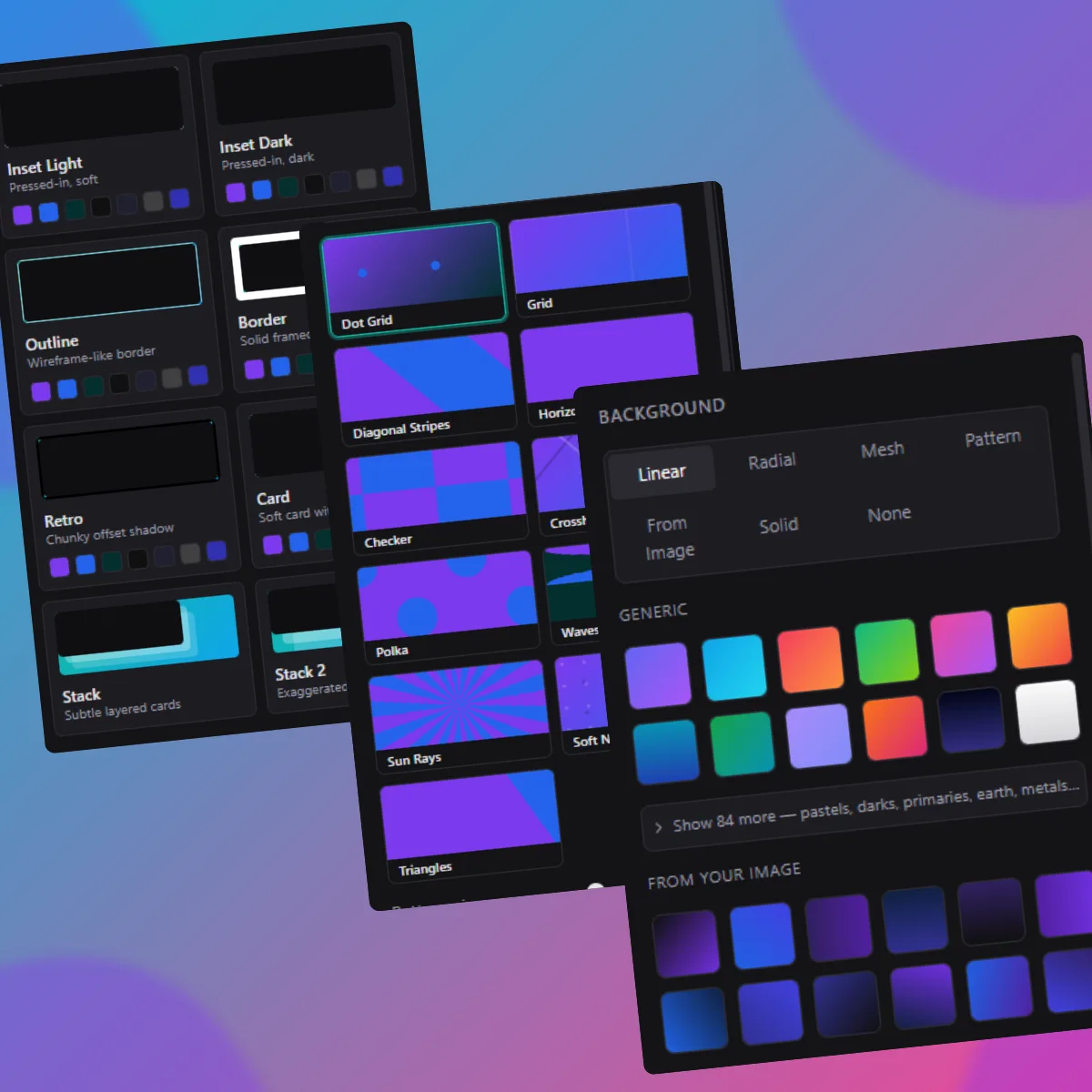
Backgrounds, gradients & looks
Pick from dozens of gradient and pattern presets, or set your own colours. Layer on a frame “look” — glass, card, retro, outline, and more — to finish the shot.
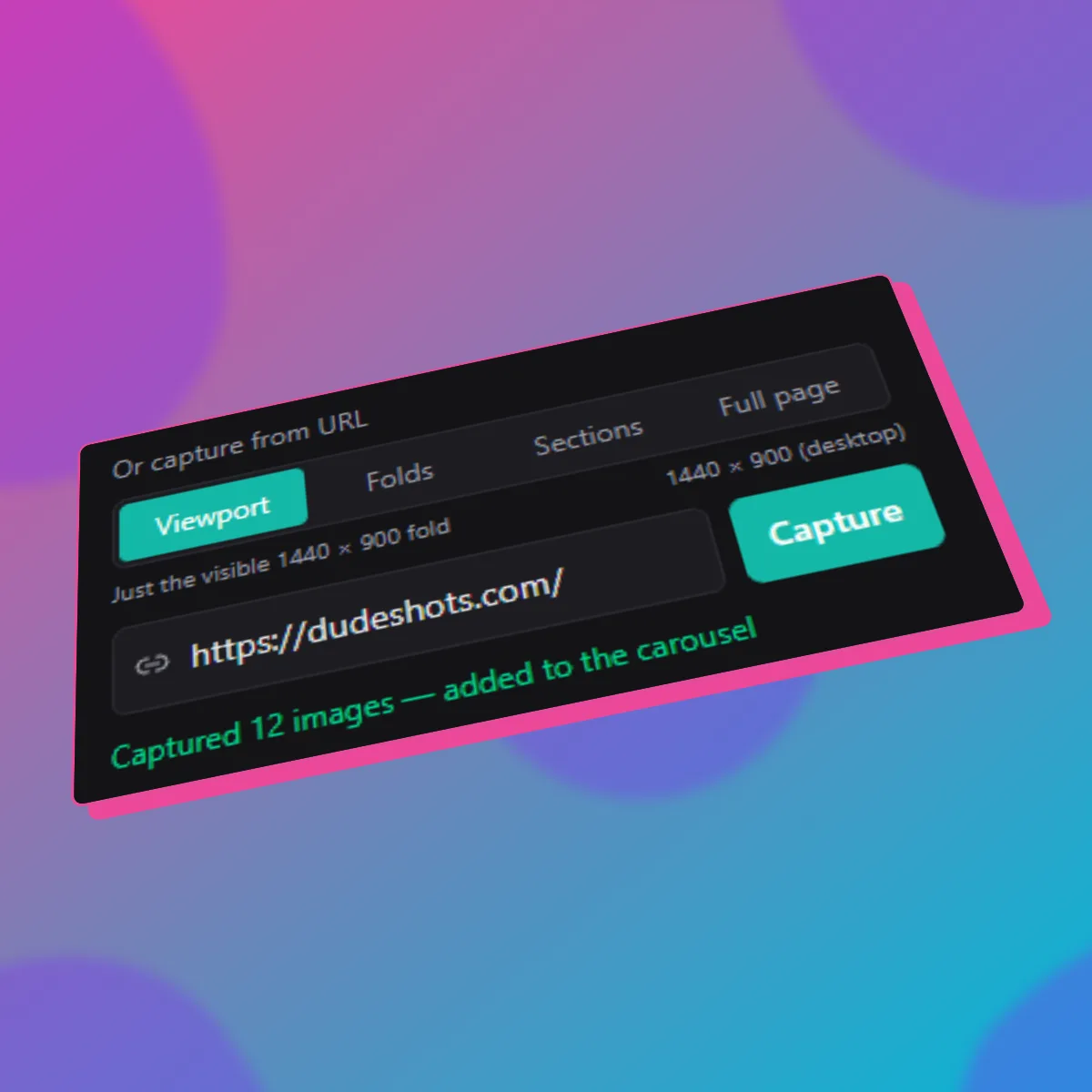
Capture straight from a URL
Paste a link and grab the viewport, every fold, auto-detected page sections, or the entire page — no separate screenshot tool needed.
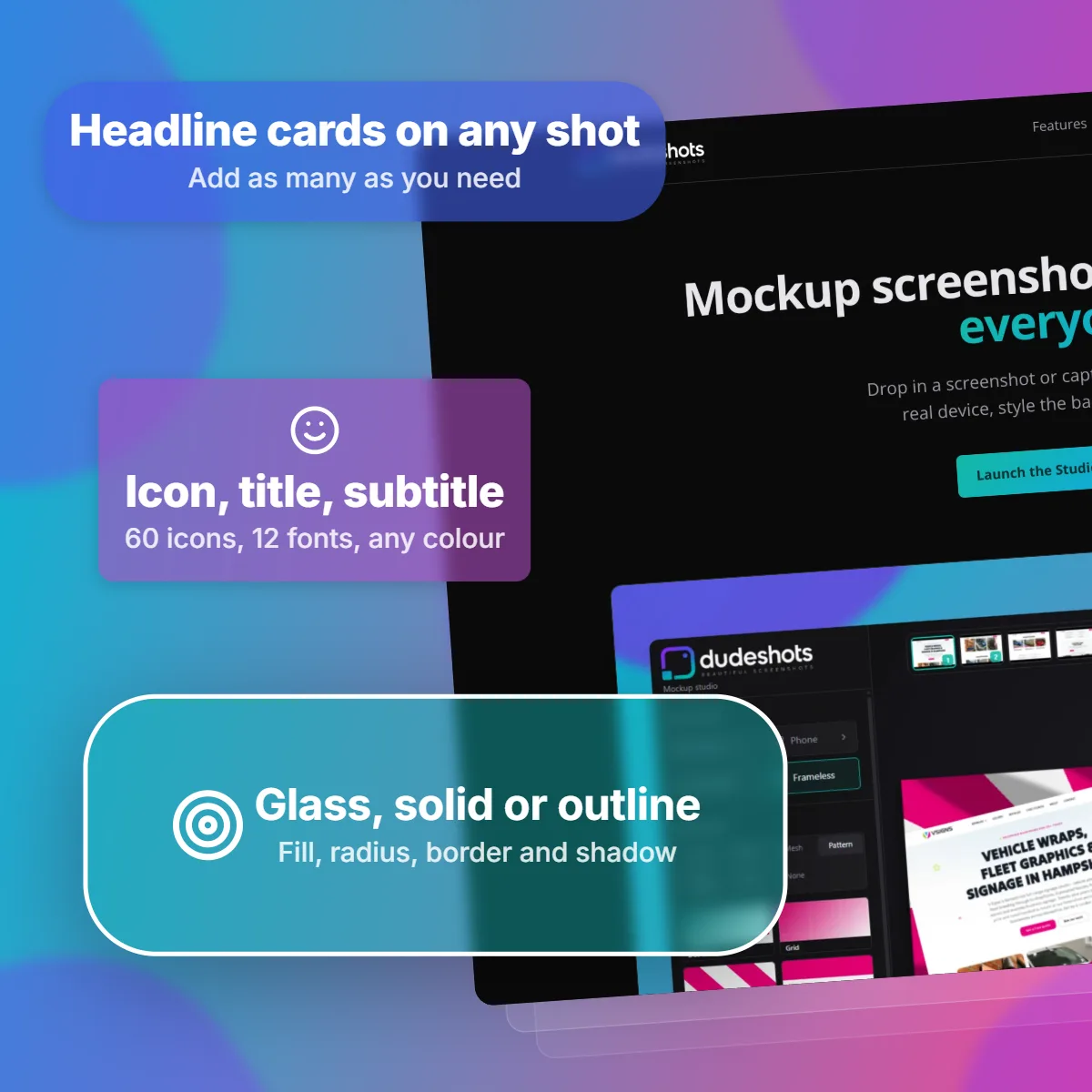
Feature callouts & watermarking
Drop bold headline cards onto the canvas to point at what matters, and add a logo or text watermark positioned exactly where you want it on every export.