
Free MacBook mockup generator
Put your app or website inside a MacBook and export a polished product shot — pick the background, add a shadow, done.
Free to start · No signup to try · No watermark on your exports
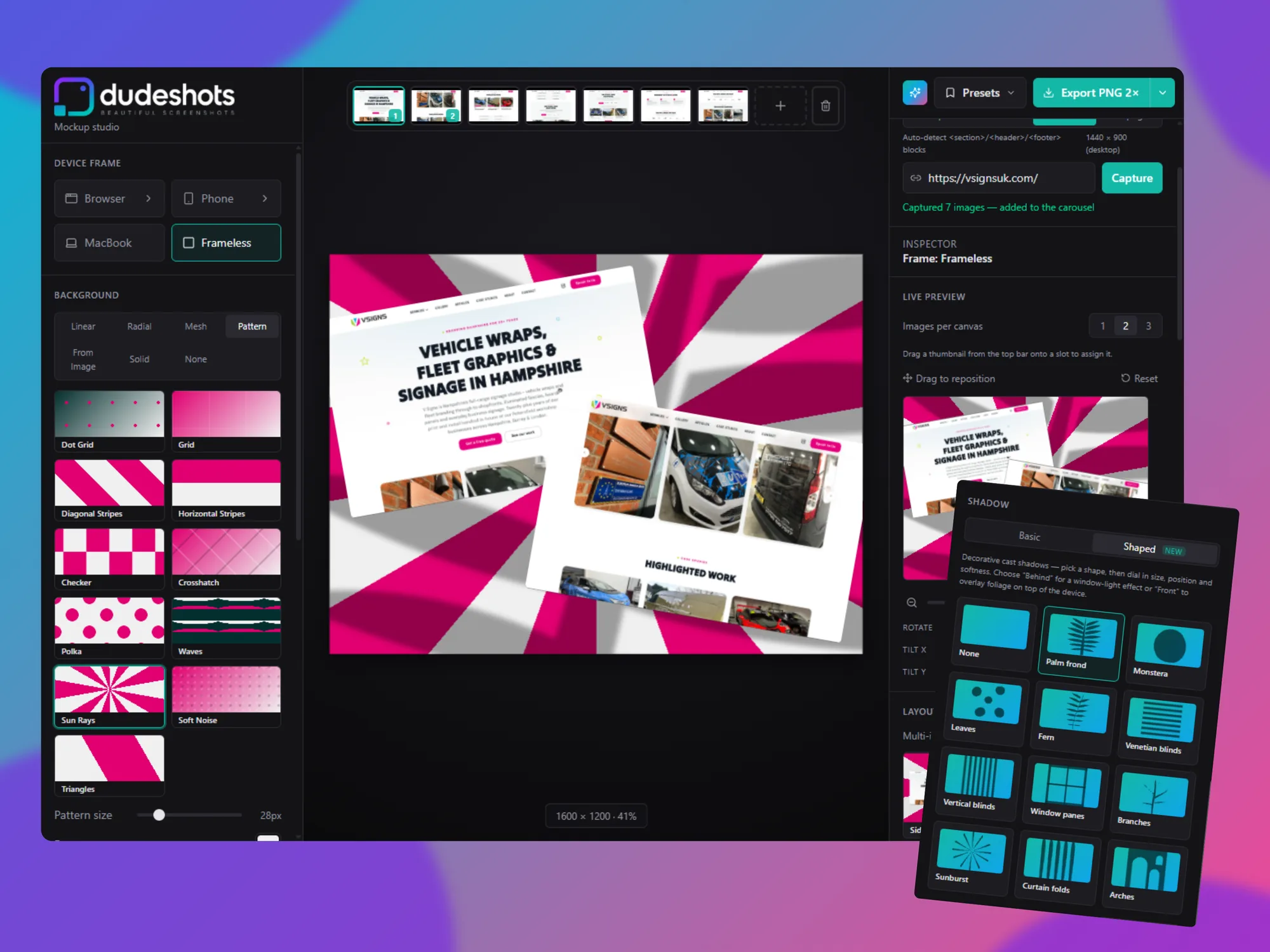
Landing pages, app store shots and pitch decks all lean on the same visual: a screenshot sitting inside a laptop. DudeShots frames your screenshot in a MacBook so it looks like a shipped product, not a crop.
Drop in an image or capture a site from its URL, pick the MacBook frame, then finish it with a gradient background, a soft shadow and the right corner radius. Export a high-resolution PNG straight from the browser — nothing to install.
Everything you need to make a clean MacBook mockup is free, and exports never carry a DudeShots watermark.
How it works
- 1
Add your screenshot
Drop in an image, paste it, or capture a live URL.
- 2
Choose the MacBook frame
Set the background, shadow and scale to taste.
- 3
Export
Download a print-quality PNG with no watermark.
Accurate MacBook frame
Correct bezel and proportions so the shot looks real.
High-resolution export
Up to 3× on Pro — crisp enough for print and retina displays.
Backgrounds & looks
Gradients, patterns and frame looks like glass, card and outline.
Feature callouts
Point at what matters with bold headline cards styled to match.