
Free browser mockup generator
Add a clean browser frame to any screenshot — Safari, Chrome or a generic window — then style the background and export in seconds.
Free to start · No signup to try · No watermark on your exports
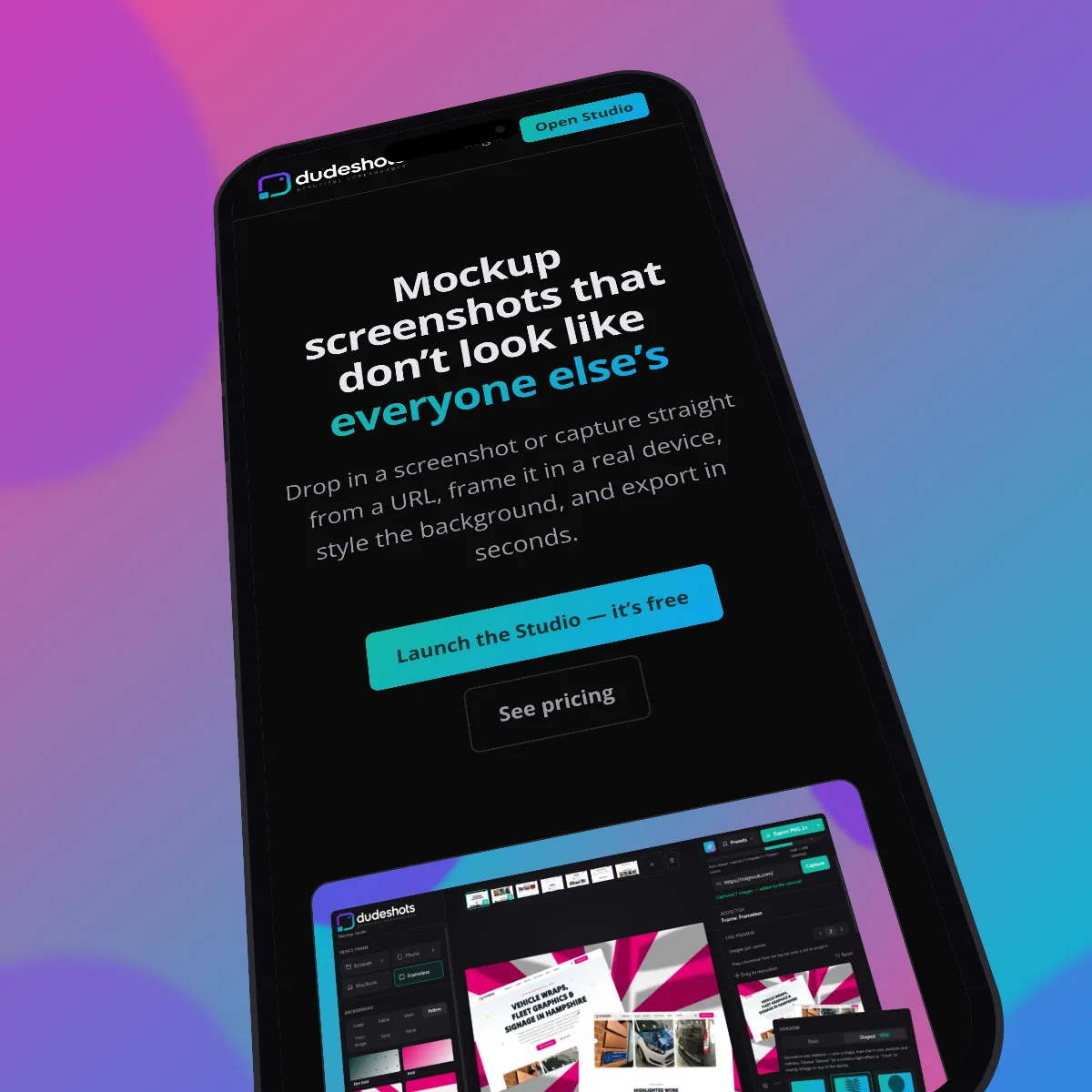
A raw screenshot of a website looks flat. Wrap it in a browser window — a title bar, an address bar, the traffic-light buttons — and it instantly reads as a real product shot you can drop into a landing page, a tweet, a deck or a changelog.
DudeShots is a browser mockup generator that runs entirely in your browser. Paste or drop a screenshot, choose the browser chrome, then set a gradient or pattern background, add a shadow, and export a crisp PNG. No Figma file, no Photoshop, no template to hunt down.
Exports carry no DudeShots watermark, so the mockup is yours to publish anywhere.
How it works
- 1
Add your screenshot
Drop in an image, paste from the clipboard, or capture straight from a URL.
- 2
Pick the browser frame
Choose browser chrome and tweak the corner radius, shadow and background.
- 3
Export
Download a high-resolution PNG — clean, no watermark, ready to publish.
Real browser chrome
An accurate window with an address bar and controls — not a rough rectangle.
Backgrounds that sell it
Dozens of gradient and pattern presets, or set your own colours.
Capture from a URL
No screenshot to hand? Paste a link and grab the page directly.
Free, no signup
Try every core feature without an account. Upgrade only if you want the full library.